01
Shoot new inventory simply
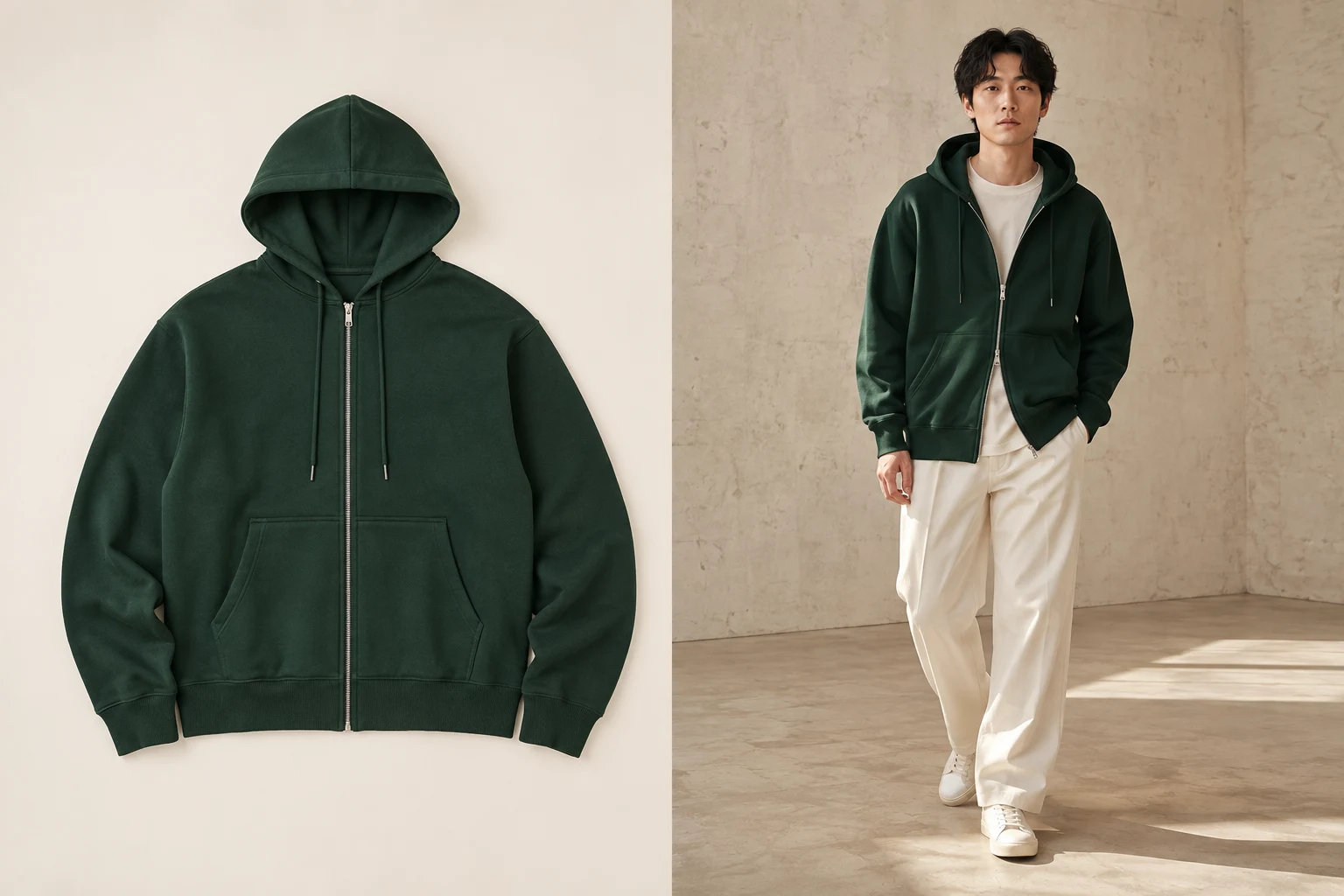
Capture each garment on a neutral surface, hanger, or mannequin without booking a model for every product in the catalog.
A practical alternative to a physical shoot
Build an AI clothing photography workflow from the assets you already own: prepare the product references, choose your model and photo settings, then inspect each generated image before using it in your store.
Flat lay · ghost mannequin · hanging garment · clean product photo
 Open full-size illustration
A practical source-image standard
Even light, a complete silhouette, and an uncluttered background matter more than elaborate styling. Use that clean product source to create the on-model listing image.
Built for real listing work
01
Capture each garment on a neutral surface, hanger, or mannequin without booking a model for every product in the catalog.
02
Prepare inconsistent product photos to the same clean input standard before creating a more coherent set of storefront model images.
03
Use the same source crop, adult model, garment review checklist, and photo aspect ratios and resolutions across each product launch.
Prepare a clean clothing product photo
Choose the same model across your catalog
Choose your photo size, generate and download
01
Keep a clear source for every product, including details the main image cannot show. Existing flat lays, mannequin photos or clean supplier images can be inputs when you have permission to use them. A generated wearing view supplements those references; it does not replace measurements, condition notes or real detail photos.
02
In AI clothing photography, save the selected model and photoshoot settings for the next product. Each new photoshoot uses its own garment references. Reusing a setup reduces configuration work; it does not guarantee identical faces, poses, backgrounds or clothing details in every output.
03
Use a flat lay for simple silhouettes and graphics, a ghost mannequin when shape and structure matter, a hanger for fast supplier-style capture, or a clean front-facing product photo when it already shows the complete item clearly.
04
The real garment and source photograph remain the reference for color, pattern, logo, fasteners, pockets, proportions, and construction. Treat the AI-created model image as listing presentation and review it carefully before publication.
What you receive
Choose the photo shape, resolution and format before generating. Review the finished image against the real garment before publishing.
Every plan downloads the original generated file.
Images we cannot create are not charged.
Private files are retained for up to 90 days unless deleted earlier.
Follow the current rules for every marketplace where you publish. ModelSnap clearly identifies the service as AI image creation.
Private uploads and finished images in your ModelSnap account are retained for up to 90 days unless deleted earlier. Copies already downloaded to your device are not removed when the account copy expires.
Use the rear camera, even daylight or diffused light, a stable overhead or front-facing angle, and enough distance to keep the complete garment in frame without wide-angle distortion.
Keep the neckline, sleeves, seams, closures, pockets, print, logo, hem, and complete silhouette unobstructed whenever those details are part of the product.
No. A simple neutral background with clear contrast is enough for the source. Choose your scene and photo settings before generating, then download the original file.
Do not publish it. Compare every result with the real product. An image the service cannot create is not charged, and you can improve the source before retrying.
Create your next listing image
Prepare one clear product source, choose an adult storefront model, and turn it into a listing image in your chosen aspect ratio and resolution.
Create a clothing image