01
Check one supplier photo
Use a flat lay, ghost mannequin, hanging garment, or clean white-background image to see whether the source is suitable.
Try your own clothing photo
Try our AI fashion model generator free with the clothing product photo you already have. Choose an adult storefront model and create an original listing image with your shared trial credits. No card is required.
30 shared lifetime credits · Up to 3 product images · Google sign-in · no card
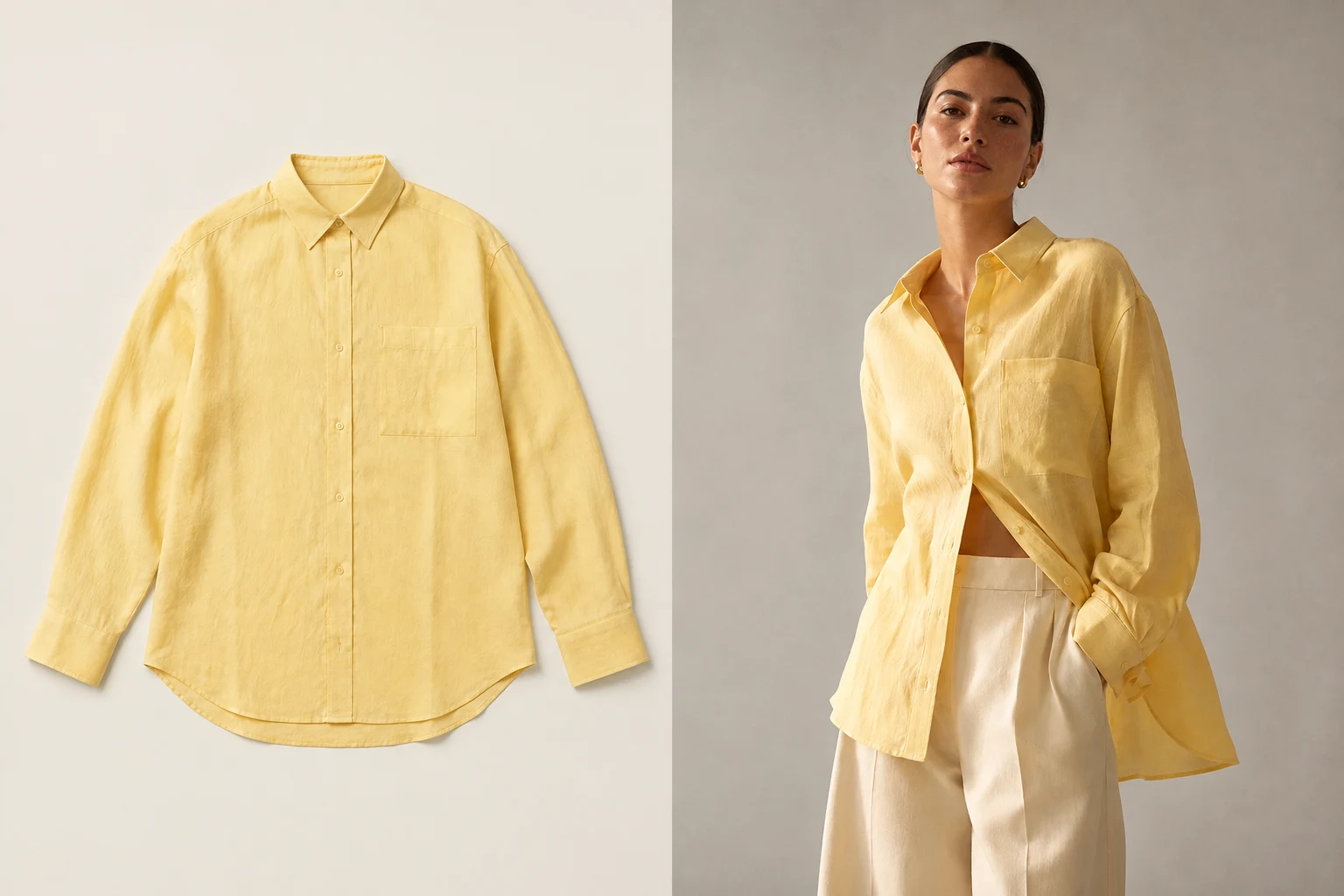 Open full-size illustration
See the product path
The free workflow is the same focused workflow used by paid sellers: bring a real product photo, choose a model, create one image, review the garment, and choose where you sell.
One shared balance
Each completed product image uses 10 credits. If you use the entire trial for product images, that is up to 3 images. Creating AI models or editing images uses the same balance, leaving fewer credits for product photos.
Built for real listing work
01
Use a flat lay, ghost mannequin, hanging garment, or clean white-background image to see whether the source is suitable.
02
Choose from 24 adult AI models and decide which look fits the clothing and the customers you sell to.
03
Choose the photo shape and resolution before generating, review the garment details, and download the original result.
Upload one clothing product photo
Choose an adult AI model
Set the photo shape and resolution, then create
01
Google sign-in includes 30 lifetime credits, enough for up to three product images when all credits are used for products. AI model candidates use the same balance. Upload one garment photo, choose one adult model, select the photo shape and resolution, and create the image.
02
Free users choose the aspect ratio, resolution and format before generating, then download the original generated file.
03
Keep the full garment visible, use even light, and avoid hands, props, folds, or background clutter that cover the neckline, sleeves, fasteners, print, or hem. A clearer source gives you a more useful test of the finished workflow.
04
Starter includes 600 shared monthly credits, enough for up to 60 product images when all credits are used for products. Reuse built-in or your own AI models and photoshoot templates across your collection.
What you receive
Choose the photo shape, resolution and format before generating. Review the finished image against the real garment before publishing.
Every plan downloads the original generated file.
Images we cannot create are not charged.
Private files are retained for up to 90 days unless deleted earlier.
Yes. Google sign-in gives you 30 shared lifetime credits and no card is required. That is enough for up to three product images when all credits are used for products; AI model candidates use the same balance.
You can choose the aspect ratio, resolution and file format before generating, then download the original generated file.
Yes. Upload one supported clothing product photo and choose an adult model. The main product workflow does not ask you to describe the garment in a prompt.
An image we cannot create is not charged. The reserved credits become available again so you can improve the source and retry.
You may use finished images for lawful commercial listings when you own or have permission to use the source. Review the image against the real garment and the target marketplace rules before publishing.
Private uploads and finished images in your ModelSnap account are retained for up to 90 days unless you delete them earlier. Copies already downloaded to your device are not removed when the account copy expires.
Create your next listing image
Start with 30 shared lifetime credits and no card. Up to three product images if all credits go to products; model creation and edits use the same balance.
Start free