Start with the photos you have
Turn flat lays, mannequin shots and clean product photos into on-model imagery.
Your collection. A whole new look.
Your clothes. On the right model.
Upload a flat lay or mannequin photo, choose an AI clothing model and scene, and create product photos for your store—without booking a shoot.
30 shared credits · Up to 3 original product photos if used only for products · No card needed
Independent brands
Online boutiques
Marketplace sellers
Your products. Your creative direction.The lookbook
From a simple product shot to a styled look.
Illustrative examples. Results vary.
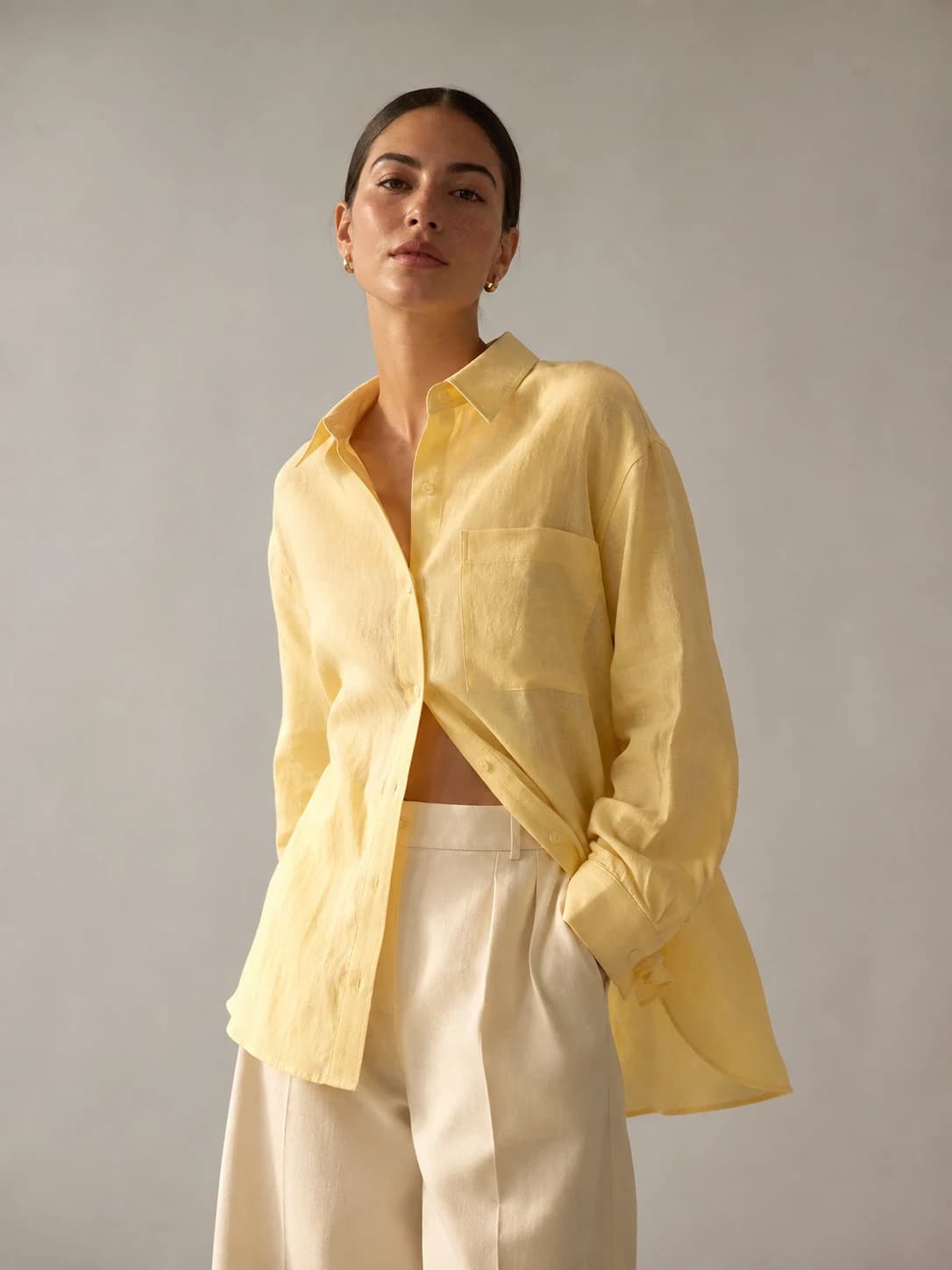
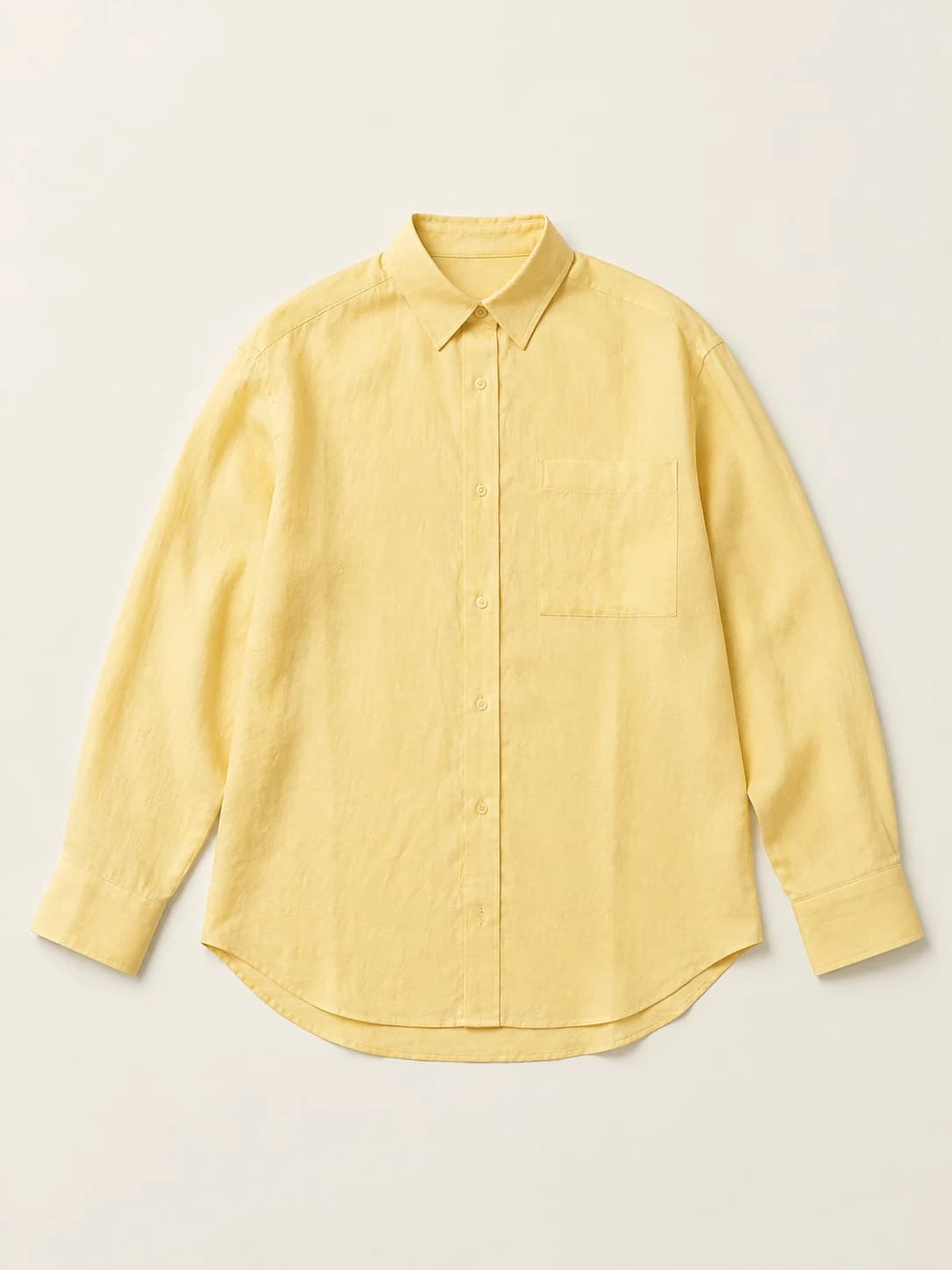
Product reference
01 / Flat lay
Linen texture · button detail · relaxed silhouette
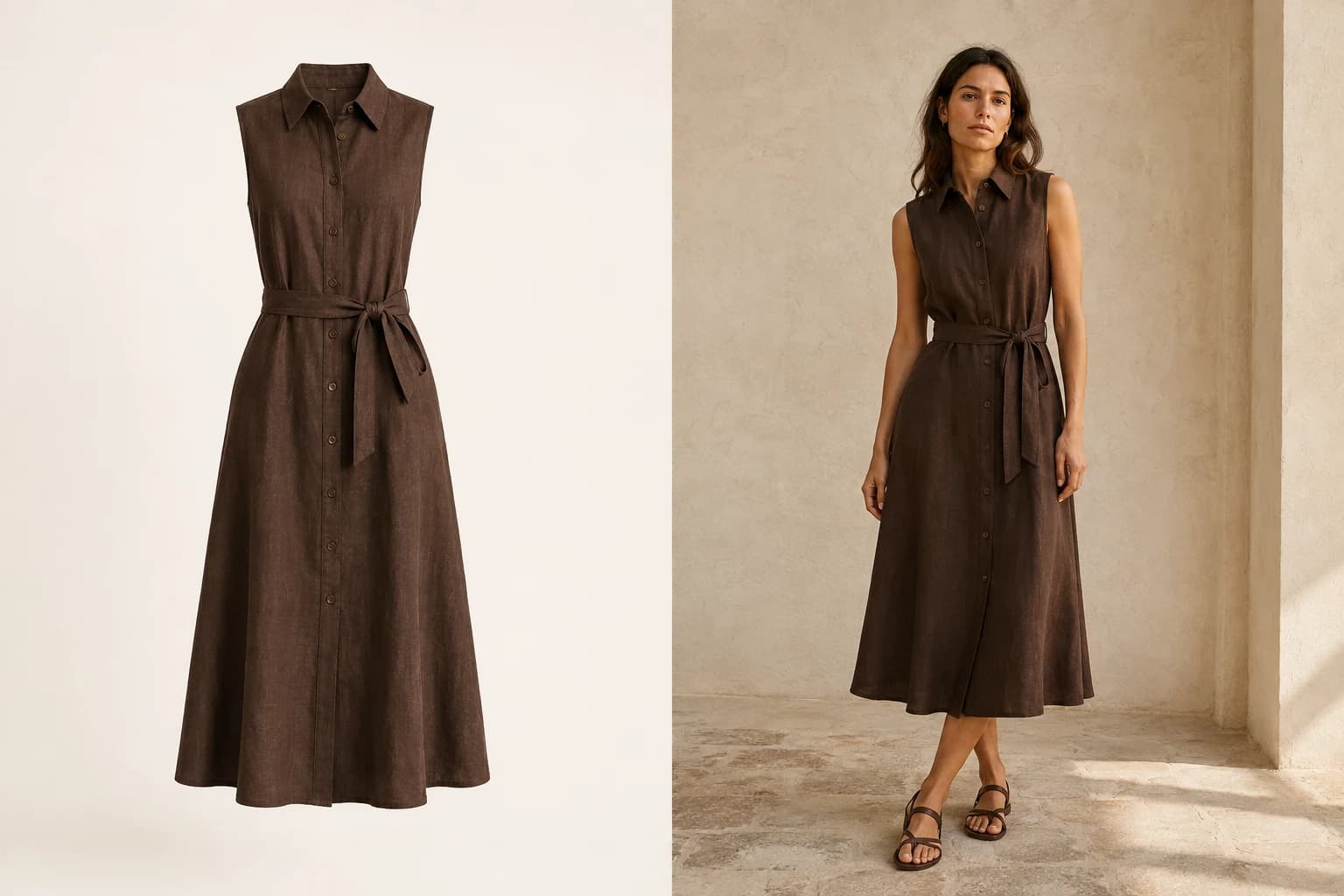
Product reference
02 / Ghost mannequin
Fasteners · waist · garment length
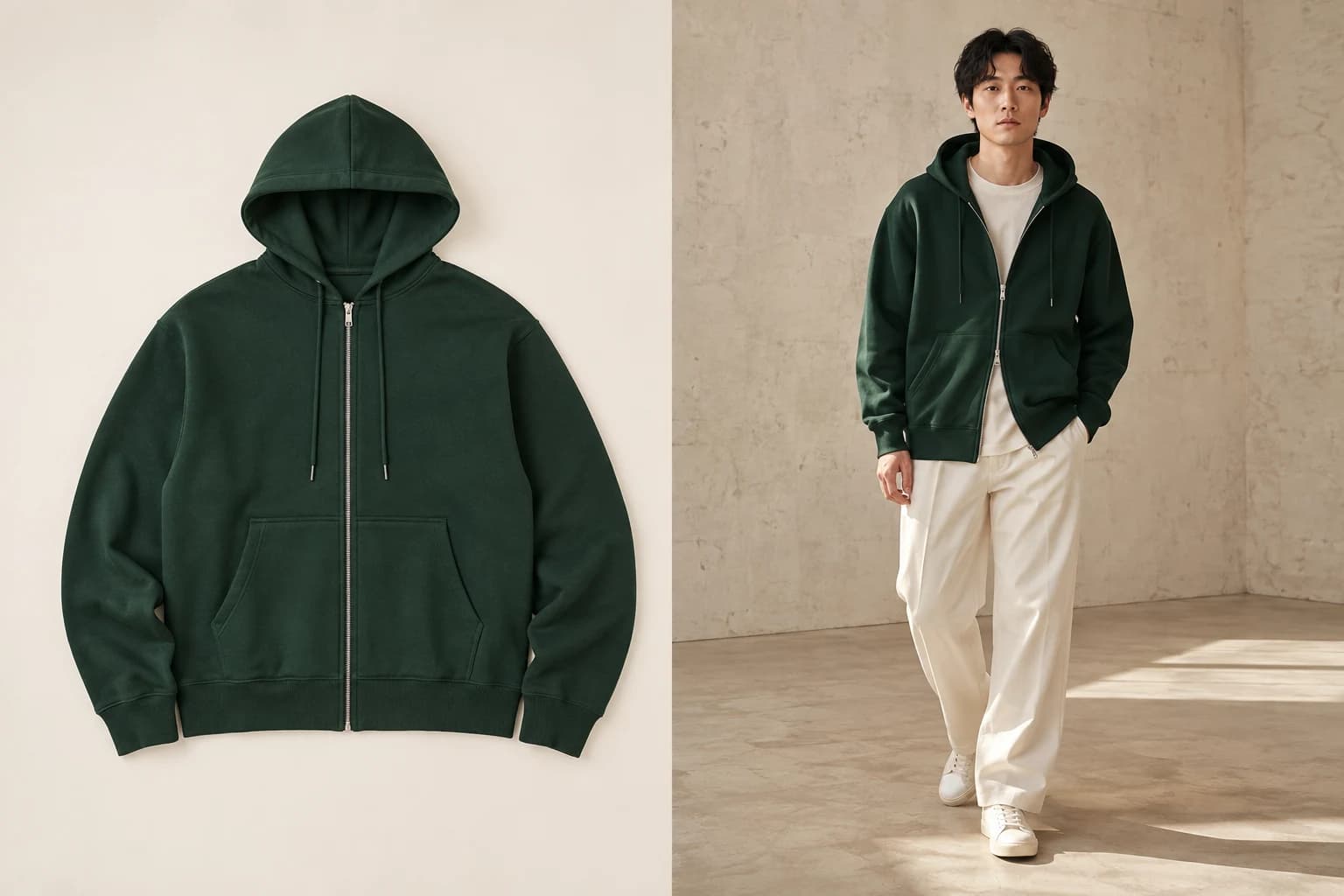
Product reference
03 / Clean product photo
Color · zip · pocket construction
AI-created illustrations, not verified customer results. Compare the garment, fit and details with your source photo before publishing.
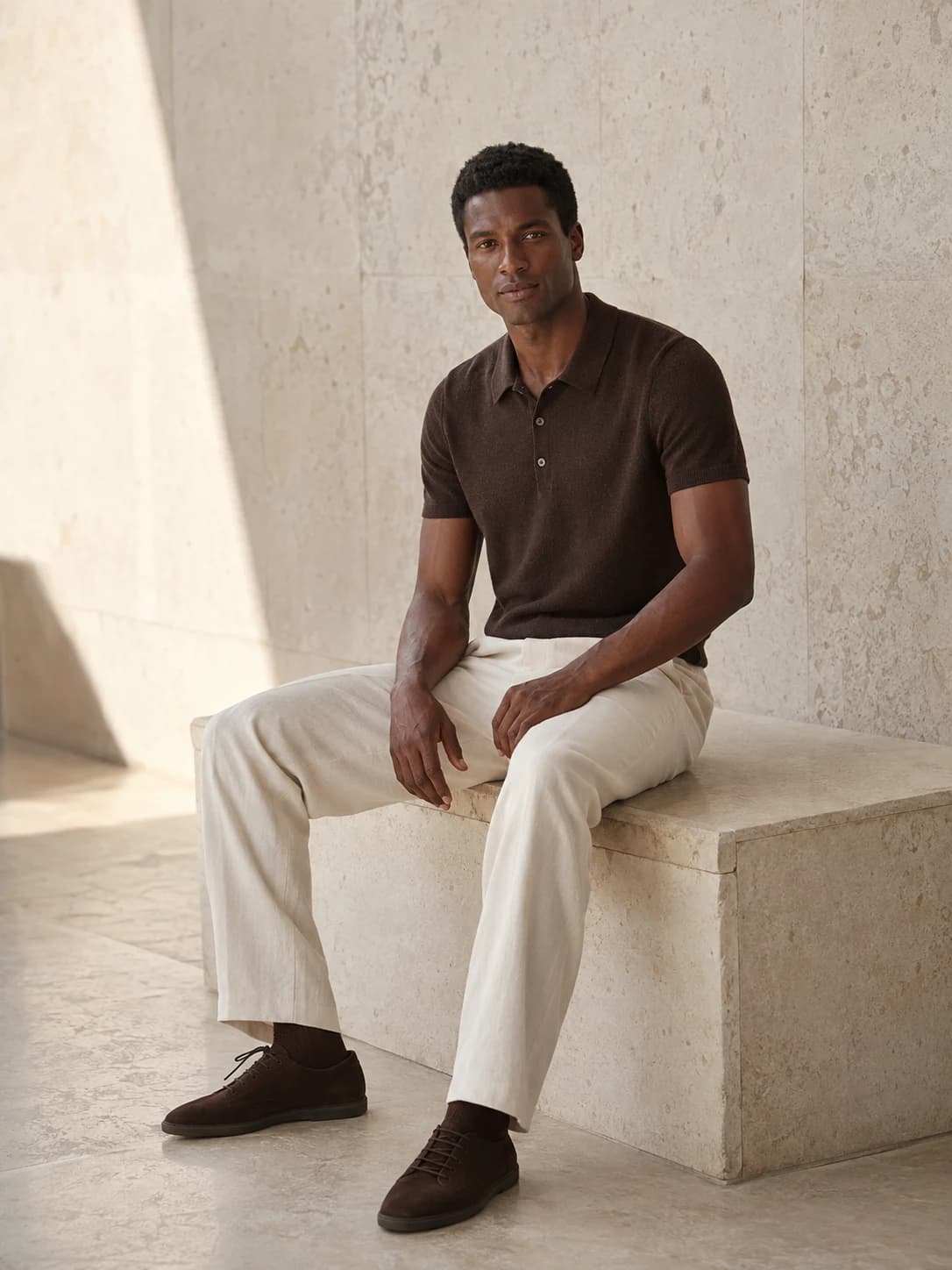
For your brand, on your terms
Our AI fashion model generator helps you create product photos without organizing a studio shoot. Build a look for your brand, then bring it to your next product.
Turn flat lays, mannequin shots and clean product photos into on-model imagery.
Save a setup with your model and photo settings, then reuse it for your next product.
Compare each result with your product, adjust a selected photo and download your originals.
Less setup. More creating.
Upload a flat lay, mannequin or clean product photo to the AI clothing model generator. One image is enough to start.
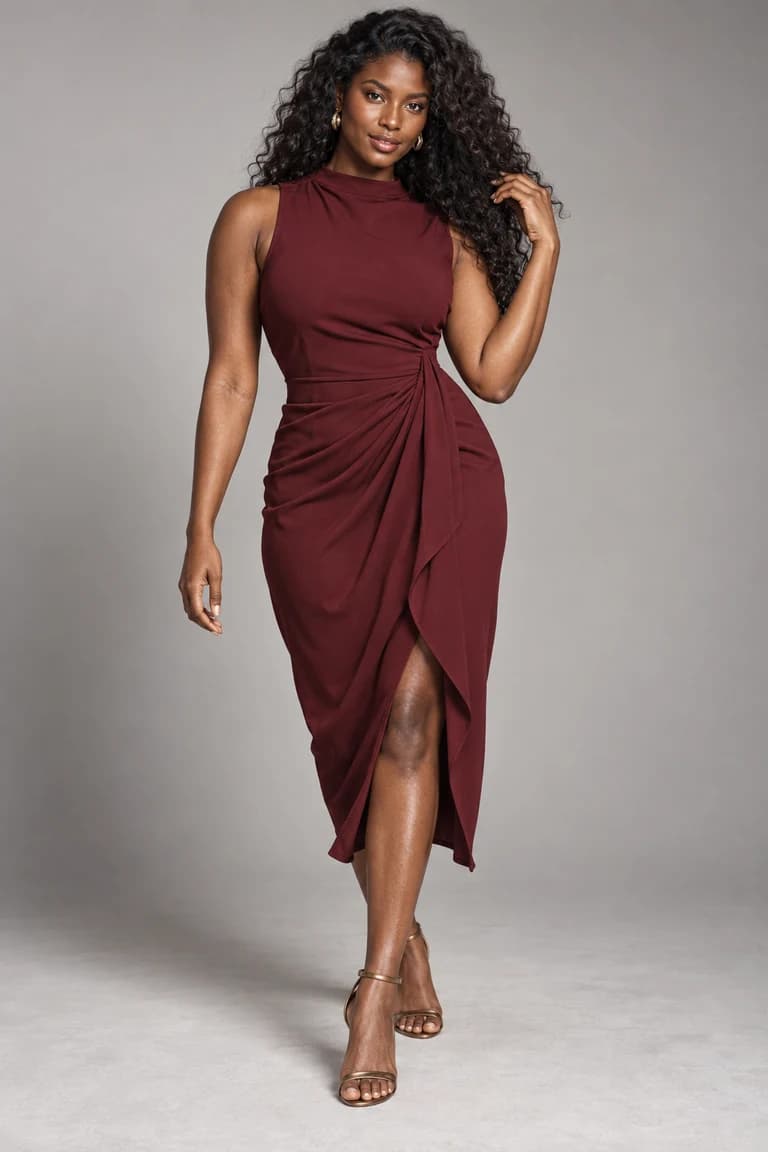
Pick a model, a setting and the shots that suit your collection.
Generate, review the details and download. Save a setup to use with your next product.
Prepare a product-only source and add an on-model view. See what makes a useful input and what to inspect afterwards.
Already have an authorized model photo? Explore the separate paid workflow for replacing the person.
Connect your product references, model choices and saved photo settings into a repeatable review process.
Need a source photo first? Follow the clothing photography checklist. Comparing tools? Read the workflow-based comparison.
Made to show your product
Your product is the reference. ModelSnap aims to carry its visible details into every photo. You make the final call before publishing.
Compare colors, prints, fabric texture and visible branding.
Look closely at buttons, seams, pockets, necklines and cuffs.
Check the fit, silhouette, sleeve length and hem against your item.
AI results can vary. Review every image before publishing.
Images we cannot create are not charged.
Meet your next model
24 AI models to match your collection. Find an AI fashion model for your brand, or create one of your own.
Explore all 24 models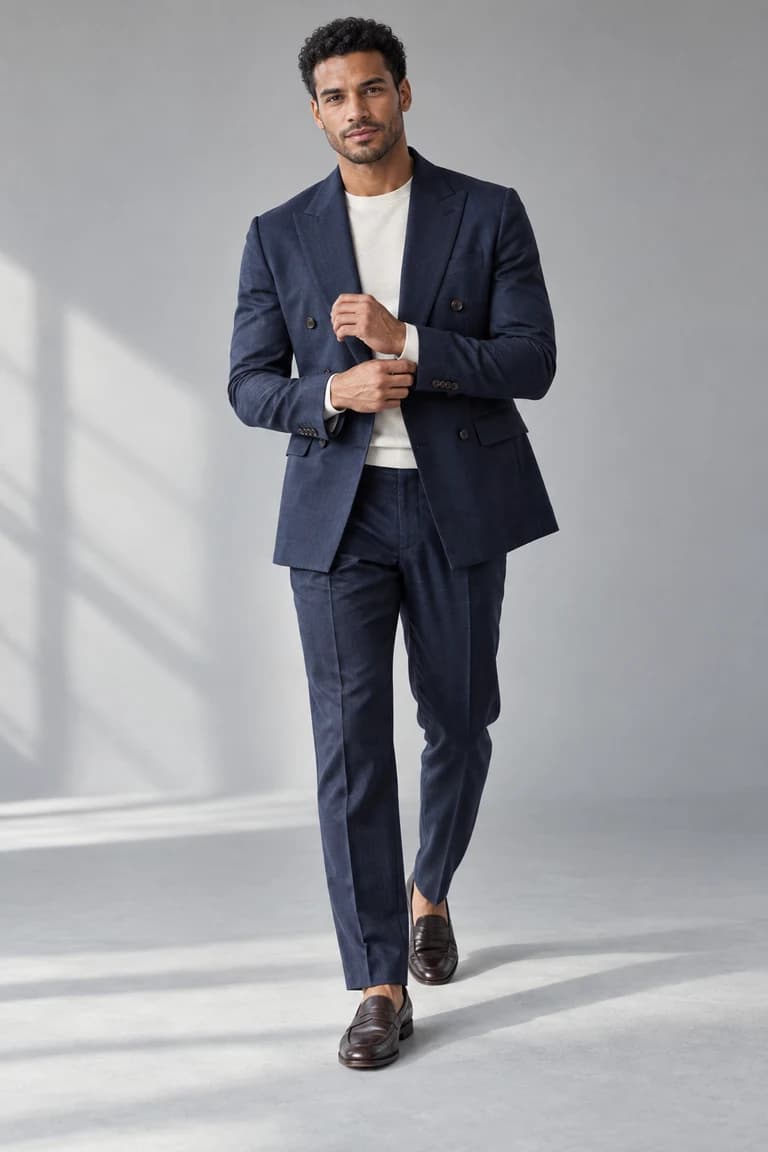
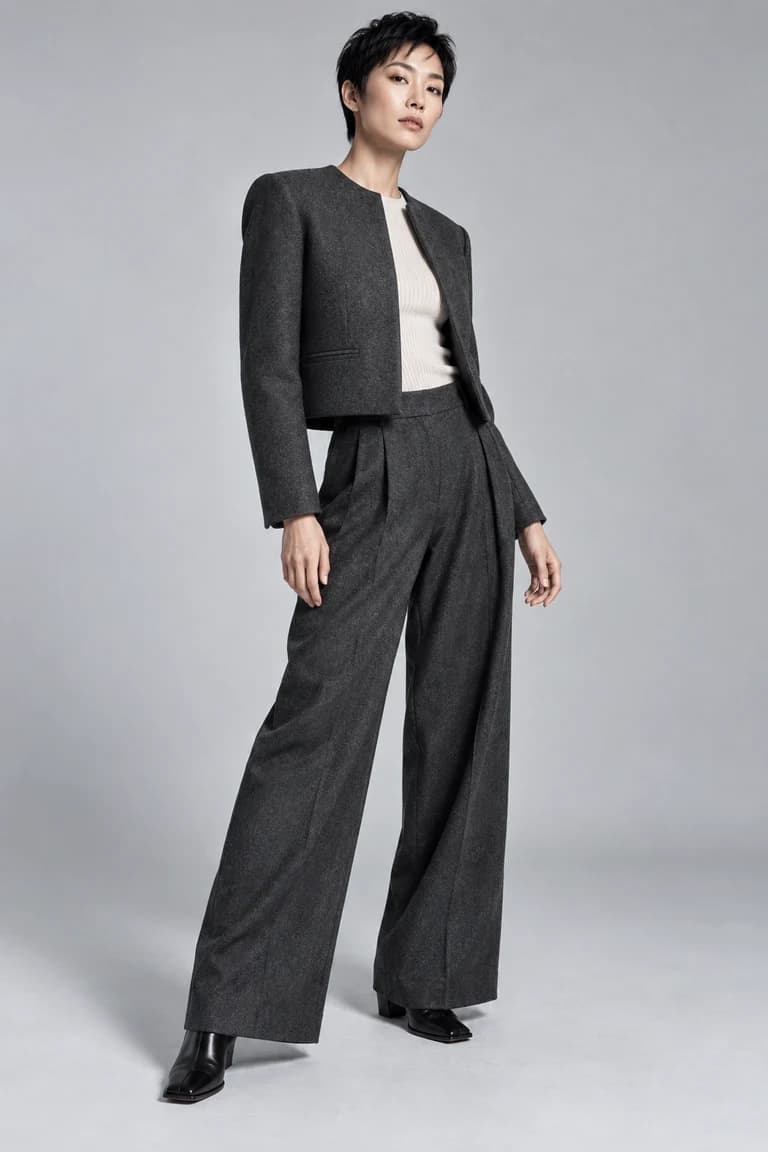
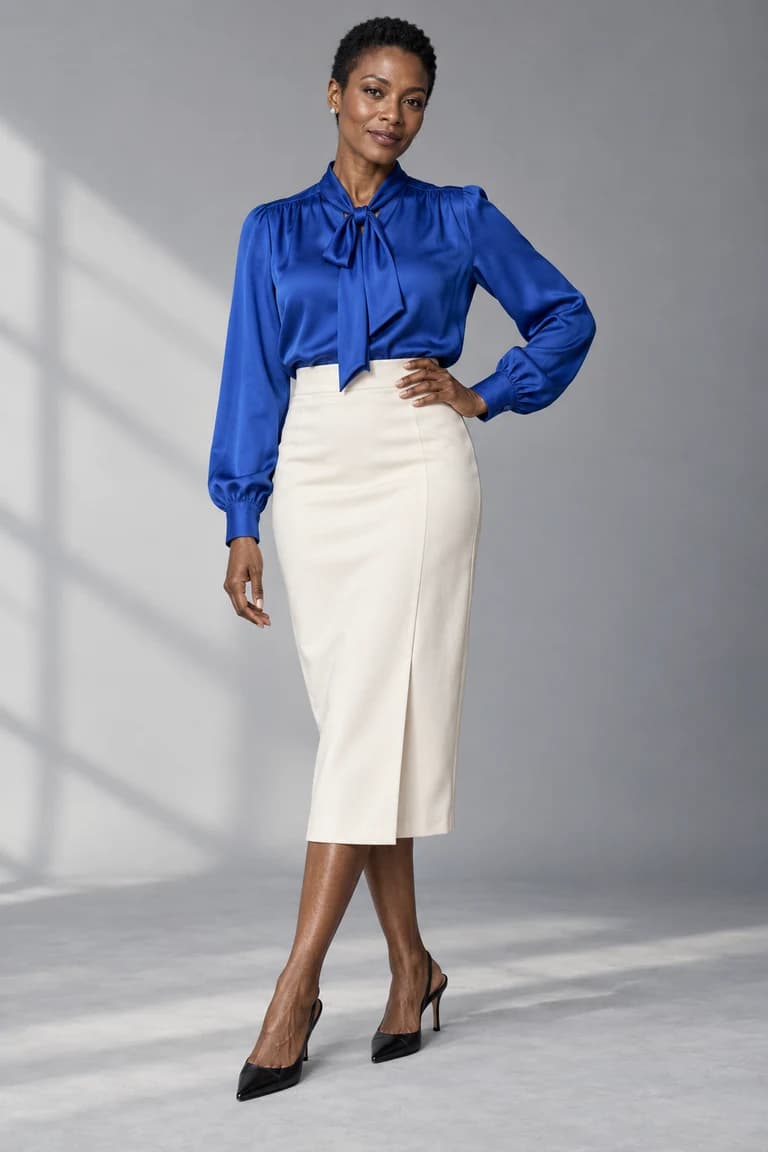
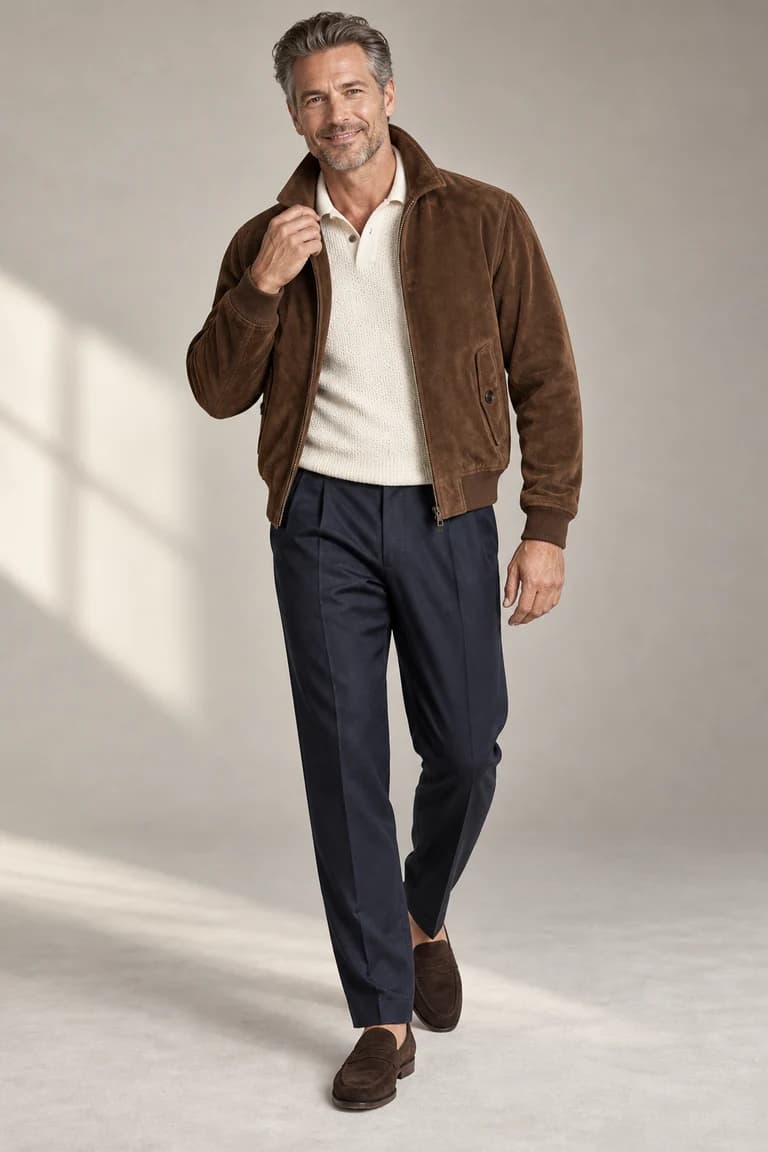
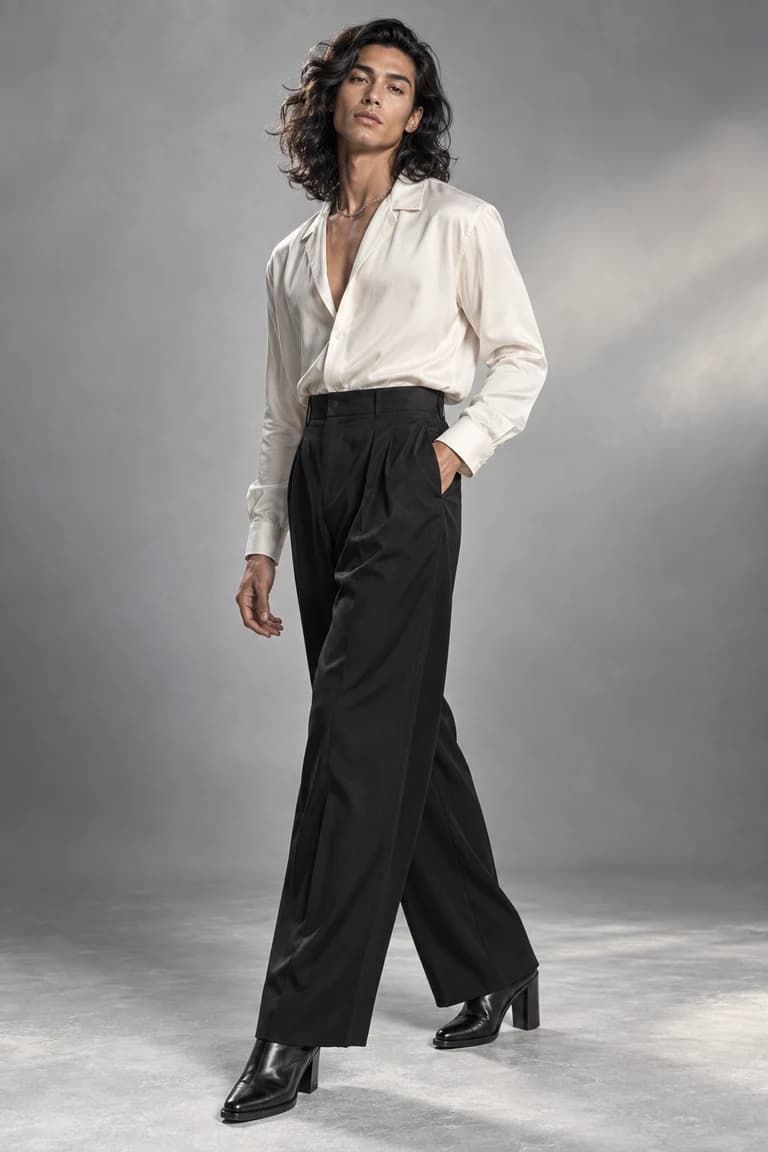
Photo sizes & formats
Portraits for product pages. Squares for collection grids. Landscape images for your storefront. Choose your format before you generate, then download your originals.
Monthly plans
Ten credits create one finished product image. If we can’t create an image, you aren’t charged.
Billed monthly
Up to 60 product images / month
600 credits each month
Shared with custom AI models and image edits.
Billed monthly
Up to 200 product images / month
2,000 credits each month
Shared with custom AI models and image edits.
Billed monthly
Up to 400 product images / month
4,000 credits each month
Shared with custom AI models and image edits.
1 finished product image · 10 credits. Images we cannot create are not charged.
Credits refresh monthly and unused credits do not roll over. Subscriptions renew automatically; cancel future renewals anytime.
A few things to know
The details on your photos, your credits and getting started.
An AI fashion model generator turns a clothing product photo into an image of an AI model wearing that garment. ModelSnap helps clothing sellers create product photos without arranging a traditional model shoot.
Yes. An AI clothing model generator creates the same kind of virtual model that sellers may also call an AI clothes model. ModelSnap turns your existing garment photo into a product listing image instead of creating fashion concepts from a blank prompt.
Upload one clear flat lay, ghost-mannequin, hanging-garment, or white-background product photo in JPG, PNG, or WEBP format up to 15MB. Keep the full garment visible and avoid objects that cover important details.
The generation process is designed to preserve visible color, print, logo, neckline, sleeves, seams, fasteners, length, proportions, and fabric texture. AI can still make mistakes, so always compare the finished image with the source garment before publishing.
Yes. Every signed-in plan can choose the aspect ratio, 1K or 2K resolution, and JPG or PNG format before generating. Every plan downloads the original generated file.
You may use finished images for lawful commercial product listings, subject to the Terms and each marketplace’s rules. Only upload source images you own or have permission to use, and follow the marketplace’s current AI-disclosure requirements. Model-reference photos must show adults.
Images we cannot create are not charged. A failed result stays visible in your workspace with a clear retry action instead of consuming the credits for a finished image.
Private uploads and finished product images in your ModelSnap account are retained for up to 90 days unless you delete them earlier. Copies already downloaded to your device are not removed when the account copy expires.
Your next collection starts here
Try our AI fashion model generator with one product photo. Choose a look, create your image and check the details.
Create your first photo30 shared lifetime credits · Up to 3 original product images if used only for products · No card required